
IPTV Australia M3U Playlist Setup Guide 2026
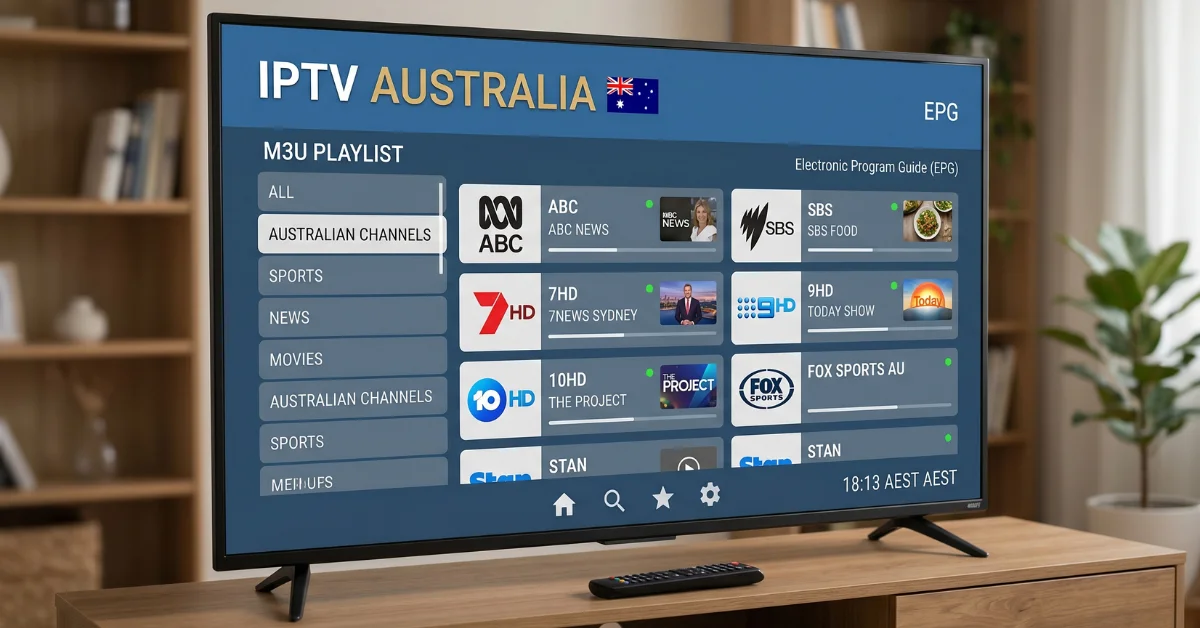
IPTV Australia M3U Playlist Setup Guide 2026
Setting up an IPTV Australia M3U Playlist is a straightforward way to organise live TV streams in a compatible IPTV player. Instead of downloading traditional television channels, an M3U playlist provides a list of streaming sources that an IPTV-compatible application can read and display.
This guide explains what an M3U playlist is, how IPTV playlist setup works, which devices can support it, how to enter playlist details correctly, and what to check if channels do not load. The steps are designed for Australian viewers who want a practical starting point for IPTV setup in 2026.
What Is an IPTV Australia M3U Playlist?
An M3U playlist is a text-based playlist format commonly used to organise multimedia streams. In IPTV, an M3U file or playlist URL can contain information that an IPTV player uses to display available live TV streams and channel groups.
The playlist itself is not the television service. It is better understood as a set of instructions that tells a compatible IPTV player where particular streams can be accessed.
Depending on the provider and player, an M3U playlist may include channel names, stream addresses, categories and other information used to organise the channel list.
For Australian IPTV users, the exact channels and stream availability depend on the service supplying the playlist. Before using any playlist, check that you are authorised to access the content and that the service complies with applicable Australian laws.
How Does an M3U Playlist Work?
The basic process is simple:
- You receive an M3U playlist file or playlist URL from a legitimate IPTV service.
- You install a compatible IPTV player on your supported device.
- You select the option to add a playlist.
- You enter or import the M3U playlist information.
- The player processes the playlist and organises the available streams.
- You select a channel to begin streaming.
The important distinction is between the playlist and the IPTV player. The playlist provides the stream information, while the player is the application that reads and displays it.
This is why an M3U playlist may work correctly in one IPTV application but require different setup steps in another.
What You Need Before Setting Up IPTV M3U
Before starting the setup, have the following information ready:
- A valid M3U playlist URL or M3U file.
- A compatible IPTV player.
- A supported streaming device.
- A stable internet connection.
- Your IPTV account details, if your service requires authentication.
Some services provide a direct M3U URL, while others provide login credentials through an IPTV platform that generates playlist information. Always use the exact details supplied by your provider rather than changing characters in the URL.
If your IPTV service provides both an M3U playlist and Xtream Codes API details, follow the setup method recommended by the provider and supported by your chosen IPTV player.
How to Set Up an IPTV Australia M3U Playlist
Step 1: Get Your M3U Playlist
Start by obtaining the M3U playlist from your IPTV service. This may be provided as a URL or as a downloadable M3U file.
If you receive a URL, copy it carefully. A missing character, extra space or incorrect login detail can prevent the playlist from loading.
Step 2: Install a Compatible IPTV Player
Next, install an IPTV player that supports M3U playlists on your device. The exact applications available will depend on the operating system and device.
Common device categories include Smart TVs, Amazon Fire TV devices, Android TV devices, Android smartphones and tablets, iPhone and iPad devices, and computers with compatible IPTV software.
Choose a player that supports the playlist format you have received and follow the application’s own installation instructions.
Step 3: Open the Playlist Section
Launch the IPTV player and look for an option such as Add Playlist, Add M3U, Load Playlist or Import Playlist.
The wording varies between applications, but the purpose is the same: you are adding the playlist information to the player.
Step 4: Enter the M3U URL or Upload the File
If your provider supplied an M3U URL, choose the option for adding a playlist from a URL and paste the address into the relevant field.
If you received an M3U file instead, use the application’s file import option and select the playlist from your device.
Check the details before submitting them. If the playlist requires authentication, make sure the username, password or other required information is entered exactly as provided.
Step 5: Save and Load the Playlist
Save the playlist and allow the IPTV player to process it. Depending on the size of the playlist and your connection, loading may take a little time.
Once the playlist has loaded successfully, the application may organise channels into categories such as entertainment, news, sports or other groups supplied by the playlist.
Step 6: Test Several Channels
Do not test only one channel. Open several channels from different categories to confirm that the playlist is working properly.
If some channels load while others do not, the problem may relate to individual streams rather than the M3U setup itself.
Setting Up IPTV M3U on Popular Devices
Smart TV
On a compatible Smart TV, install an IPTV player that supports M3U playlists. Open the application, choose the playlist import option and enter the M3U URL or upload the available file according to the application’s instructions.
Smart TV menus vary between manufacturers, so the names of settings and installation steps can differ. Make sure the IPTV player you select supports your particular TV model and operating system.
Amazon Fire TV or Firestick
For IPTV on Firestick, first install a compatible IPTV player. Once the player is ready, use its playlist management section to enter the M3U URL supplied by your authorised IPTV service.
After saving the playlist, allow the application to refresh its channel list. If the list does not appear, check the URL and your internet connection before changing other settings.
Android TV and Android Devices
Android TV boxes, Android TVs, smartphones and tablets can support IPTV applications that accept M3U playlists. Install a compatible IPTV player, open its playlist section and enter the M3U information supplied by your service.
For a better experience, keep the IPTV application and device software updated where possible.
iPhone and iPad
On iPhone and iPad, use an IPTV player that supports the playlist format provided by your service. Add the M3U URL or import the file using the application’s available playlist option.
Because iOS applications have different interfaces and capabilities, the exact menu names can vary.
What Internet Speed Do You Need for IPTV?
Your internet connection can have a significant effect on IPTV streaming performance. The required speed depends on the video quality, stream bitrate, number of devices using the connection and the stability of your network.
As a practical approach, a stable connection is more important than simply having a high advertised download speed. Wi-Fi congestion, network traffic and weak wireless coverage can contribute to buffering even when the connection appears fast.
For higher-resolution streams such as Full HD or 4K, more bandwidth may be required than for standard-definition video. If several people are streaming, gaming or downloading large files at the same time, the available bandwidth for IPTV can also decrease.
Common IPTV M3U Playlist Problems and Fixes
M3U Playlist Will Not Load
If the playlist does not load, first check that the URL was copied correctly. Make sure there are no spaces before or after the address and confirm that your subscription or access credentials are still valid.
You can also restart the IPTV player and try adding the playlist again.
Playlist Loads but Channels Are Missing
If the playlist loads but certain channels are missing, the issue may be related to the playlist supplied by the service. Refresh the playlist if your player provides a refresh option.
If the problem continues, contact the provider and ask whether the relevant stream is currently available.
Channels Keep Buffering
Buffering can result from several factors, including an unstable internet connection, Wi-Fi interference, network congestion, device performance or problems with the stream source.
Try restarting your router and IPTV device. If possible, test the device using a more stable network connection. You can also compare different channels to determine whether the issue affects the entire playlist or only specific streams.
IPTV Player Shows an Error
Check the playlist URL and account information first. If those details are correct, restart the application and device.
It is also worth checking whether the IPTV application has an available update and whether your device has enough storage and system resources to operate normally.
Playlist Stops Working Suddenly
An M3U playlist can stop working if its URL changes, access expires or the service supplying the stream changes its configuration.
Rather than repeatedly reinstalling applications, check the status of your subscription and confirm the current playlist information with your provider.
M3U Playlist vs Xtream Codes API
M3U and Xtream Codes API are two common ways IPTV applications can receive channel and streaming information.
| Feature | M3U Playlist | Xtream Codes API |
|---|---|---|
| Basic setup | Usually uses a playlist URL or file | Usually uses server, username and password details |
| Channel organisation | Depends on playlist structure | Often managed through the supported API connection |
| Player support | Common in many IPTV players | Available in players that support the API |
| Best choice | Useful when your service provides an M3U playlist | Useful when your service provides API credentials |
Neither method is automatically better for every user. The best option is generally the one supported by both your IPTV service and your chosen IPTV player.
How to Choose an IPTV Service in Australia
Setting up an M3U playlist is only one part of the IPTV experience. Before subscribing to an IPTV service in Australia, consider several practical factors.
- Device compatibility: Check that your preferred Smart TV, streaming device, phone or computer is supported.
- Playlist support: Confirm whether the service provides M3U, Xtream Codes API or another supported connection method.
- Channel availability: Check the actual channel categories and content included rather than relying only on headline claims.
- Streaming quality: Look at the available resolution options and make sure your internet connection can handle them.
- Support: Consider whether help is available when you have setup or connection problems.
- Subscription terms: Review the price, billing period, cancellation conditions and refund policy before paying.
- Legal access: Make sure you are using a service and content you are legally entitled to access.
If you are comparing available plans, you can review the IPTV pricing and plans offered by Pro IPTV Australia.
Is IPTV Legal in Australia?
IPTV is a technology for delivering television and video content over internet connections. The technology itself is not the same thing as the legality of a particular IPTV service or stream.
The important consideration is whether the provider has the appropriate rights or permissions for the content it makes available. Users should choose legitimate services and avoid playlists or streams that provide access to copyrighted content without authorisation.
For more information about the technology itself, readers can explore the Internet Protocol Television overview.
Why M3U Setup Can Be Useful
An M3U playlist can make IPTV management convenient when it is supported by your service and player. Instead of manually adding individual streams, a playlist can organise multiple channels in one connection.
For users with compatible devices, this can simplify the initial setup and make it easier to browse channels through a single IPTV application.
The main benefit, however, depends on the quality and reliability of the underlying service. A well-configured player cannot fix an unavailable or poorly maintained stream source.
Frequently Asked Questions About IPTV M3U Playlists
What is an M3U playlist for IPTV?
An M3U playlist is a text-based playlist containing information that compatible IPTV players can use to organise and access streaming sources.
Can I use an M3U playlist on a Smart TV?
Yes, if your Smart TV supports a compatible IPTV player that accepts M3U playlists. Check the application’s device requirements before installation.
Can I use an IPTV M3U playlist on Firestick?
Yes. A compatible IPTV player on an Amazon Fire TV or Firestick can support M3U playlist setup when the application provides that functionality.
Why is my M3U playlist buffering?
Buffering can be caused by an unstable internet connection, Wi-Fi congestion, device limitations, network traffic or problems with individual stream sources.
Why does my M3U playlist not work?
Check that the playlist URL is correct, your access has not expired and the IPTV player supports the playlist format. If the problem remains, contact the service provider.
Do I need an IPTV player for an M3U playlist?
In most cases, yes. An M3U playlist needs compatible software or an IPTV application capable of reading and displaying its stream information.
Is M3U the same as IPTV?
No. IPTV refers to delivering television or video content over an IP network, while M3U is a playlist format that can be used to organise streaming sources.
Get Started With IPTV Setup
An IPTV Australia M3U Playlist can be relatively easy to configure when you have a valid playlist, a compatible IPTV player and a stable internet connection. The key is to use the correct playlist information and choose an application that supports your device.
If you are new to IPTV, start by checking your device compatibility, understanding how the playlist connection works and reviewing the terms of the service before subscribing.
To learn more about Pro IPTV Australia and its service, visit the Pro IPTV Australia homepage.