
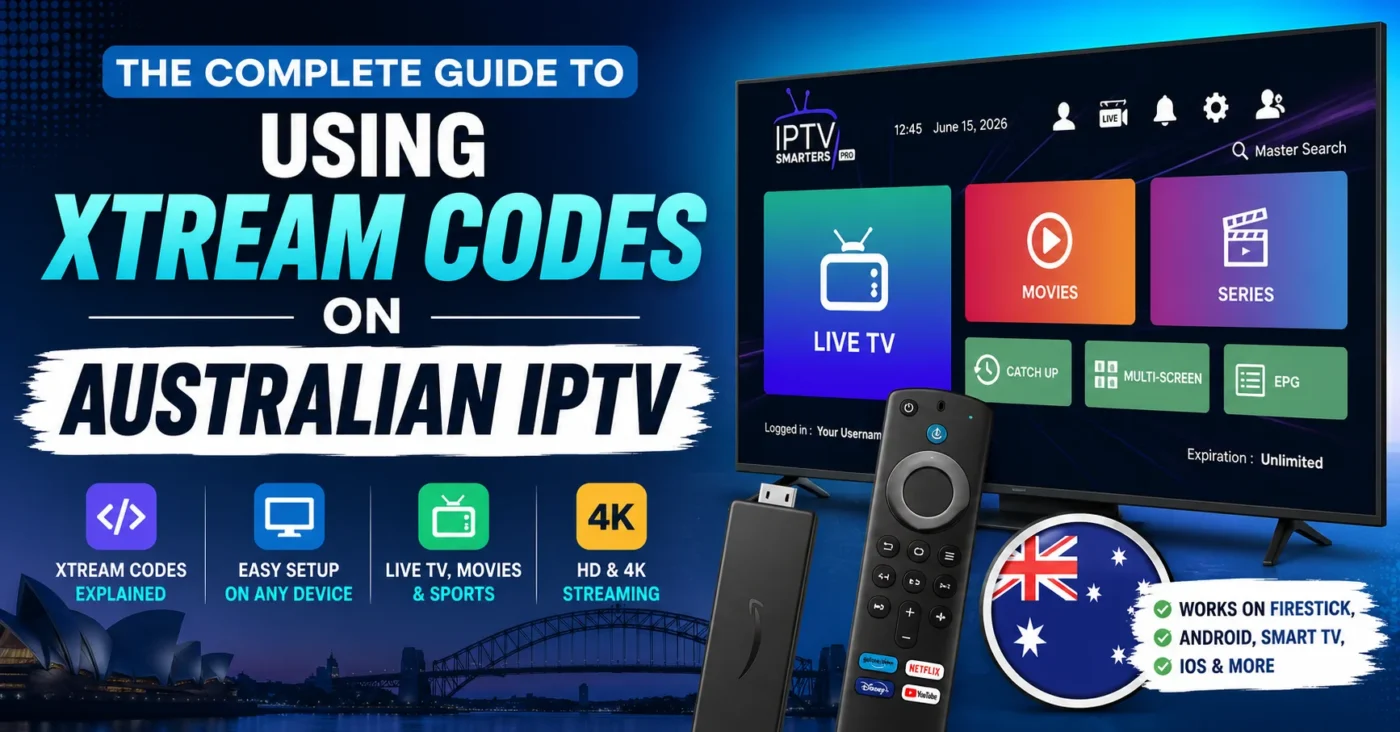
The Complete Guide to Using Xtream Codes on Australian IPTV
Introduction
Choosing the right IPTV Australia setup can make live TV, sports, movies and international entertainment much easier to access across compatible devices. One of the most common login methods offered by Australian IPTV services is Xtream Codes. Instead of entering a long playlist URL manually, users can usually enter a server address, username and password into a compatible IPTV app.
For Australian viewers, this can be a convenient way to organise an IPTV subscription across devices such as Firestick, Android TV, Smart TVs, smartphones and tablets. The important part is understanding what Xtream Codes actually does, how to enter the credentials correctly, which devices support the method and what to look for when comparing an IPTV provider Australia service.
This guide walks through the complete process in simple terms, from understanding Xtream Codes to setting up your IPTV app and troubleshooting common problems.
What Are Xtream Codes and How Do They Work?
Xtream Codes is commonly used as a login method for IPTV applications. Rather than loading a playlist file yourself, the compatible application uses the credentials supplied by your IPTV service to retrieve available live channels, video-on-demand content and other information supported by the service.
In a typical setup, you receive three pieces of information:
- Server or portal URL: The address used by the IPTV application to connect to the service.
- Username: Your individual account identifier.
- Password: The password associated with your IPTV subscription.
Once these details are entered correctly, the IPTV app communicates with the provider’s server and loads the content available to your account. The exact channels, movies, series, electronic programme guide information and other features depend on the service you have subscribed to.
It is worth remembering that Xtream Codes is not itself an IPTV subscription. It is simply a way an IPTV application can authenticate with a compatible service. The quality and legality of the content depend on the IPTV provider and the rights it has to distribute that content.
For a basic explanation of IPTV technology, you can also read this IPTV overview.
Why Xtream Codes Is Popular with Australian IPTV Users
One reason Xtream Codes on Australian IPTV is popular is convenience. Manually configuring IPTV playlists can be confusing for beginners, particularly when a service provides a large number of channels and on-demand titles. A compatible app can often organise everything after the three login details have been entered.
For an Australian household, this can be useful when the same IPTV subscription needs to work across different types of screens. For example, you might use IPTV on a living-room Smart TV, a Firestick in a bedroom and an Android phone while travelling.
There are several practical benefits:
- Simple username and password authentication.
- Easy access to live TV categories supported by the provider.
- Potential access to movies and series through VOD sections.
- Compatibility with many popular IPTV applications.
- Less manual playlist management for supported apps.
- Easy switching between supported devices.
Keep in mind that compatibility is determined by the individual app and service. Not every Smart TV application supports Xtream Codes, and some providers may recommend a particular application for their service.
How to Set Up Xtream Codes on Australian IPTV Apps
The general setup process is straightforward. Before starting, make sure you have an active IPTV Australia subscription and the correct Xtream Codes credentials from your provider.
Step 1: Choose a Compatible IPTV App
First, install an IPTV app that supports Xtream Codes login. The exact application depends on your device. Android TV, Firestick, Smart TVs, iPhones and iPads can have different app stores and compatibility requirements.
Do not download random applications from untrusted websites simply because they claim to offer free IPTV access. Use your device’s official app marketplace whenever possible.
Step 2: Open the Login Screen
After installing the application, launch it and look for an option such as Login with Xtream Codes API, Xtream Codes or a similar IPTV login option.
Some applications display several choices, including M3U playlist login. If your provider has supplied Xtream Codes credentials, select the corresponding Xtream Codes option.
Step 3: Enter Your Server URL
Enter the server or portal address supplied by your IPTV provider. Copy it carefully and avoid adding unnecessary spaces.
A common mistake is entering an incomplete address or changing characters while typing it manually. Copy-and-paste is preferable when your device allows it.
Step 4: Enter Your Username and Password
Enter the username and password exactly as supplied. These credentials are usually case-sensitive, so even a small spelling difference can prevent the connection from working.
Step 5: Connect and Allow the App to Load
After submitting your details, the app should attempt to connect to the IPTV server. Depending on the service, it may then load categories such as Live TV, Movies, Series, Catch-Up or an electronic programme guide.
If nothing appears, do not immediately assume the subscription is broken. Check your internet connection, credentials, server address and device compatibility first.
Using Xtream Codes on Firestick
IPTV Firestick setups are popular because the device can turn a compatible television into a flexible streaming platform. The process generally follows the same pattern used on other Android-based devices.
- Connect your Firestick to the TV and make sure it has internet access.
- Open the Firestick app store.
- Install a reputable IPTV application that supports Xtream Codes.
- Launch the application.
- Select the Xtream Codes login option.
- Enter your provider’s server URL, username and password.
- Wait for the account information and channel categories to load.
If you are searching for an IPTV smarters downloader code, remember that downloader codes can change and may vary by app or region. It is safer to obtain installation instructions from the official app source or your IPTV provider rather than relying on an unverified code found on a random website.
Xtream Codes on Smart TV, Android and iOS
Xtream Codes is not limited to Firestick. Depending on the application available for your device, the same type of credentials can be used on several platforms.
Smart TV
Many modern Smart TVs have IPTV applications available through their built-in app stores. Search for a reputable IPTV app that supports the Xtream Codes login method, install it and follow the application’s setup instructions.
Smart TV performance can vary significantly between models. If an application feels slow, check whether your TV has sufficient storage, updated software and a stable network connection.
Android TV and Android Devices
Android devices generally offer a wide selection of IPTV applications. After installing a compatible IPTV app, select Xtream Codes and enter the credentials supplied with your subscription.
Android TV boxes can be particularly useful for users who want a dedicated streaming device instead of relying on their television’s built-in operating system.
iPhone and iPad
iOS users need an IPTV application that supports the relevant login method. App availability can change, so always check the current App Store listing and the application’s own requirements.
Once a compatible application is installed, the general process remains the same: enter the server URL, username and password, then allow the app to synchronise the available content.
What Channels and Content Can You Watch?
The content available through an IPTV service depends entirely on the provider and the subscription package. A good Australian IPTV service may organise content into categories such as local entertainment, news, international television, movies, series and sports.
Sports are a major reason people search for the best IPTV for sports. Depending on licensing and availability, users may look for football, cricket, tennis, motorsport and other sporting content. International categories can also be useful for households interested in programming from the UK, Europe, Asia or the Middle East.
Someone searching for sports channels Dubai, for example, should check whether the provider specifically lists the relevant Middle Eastern sports or entertainment channels before subscribing. Channel availability should never be assumed simply because a provider advertises a large overall channel count.
The same principle applies to 4K content. A provider may advertise 4K IPTV, but the actual viewing experience also depends on whether a particular programme is available in 4K, whether your device supports it and whether your internet connection can maintain the required stream quality.
How to Choose an IPTV Provider Australia Service
Xtream Codes on Australian IPTV can make setup easier, but the login method should not be the main factor when choosing a provider. Your focus should be on reliability, transparency, compatibility, customer support and the content you are legally entitled to access.
Before purchasing an IPTV subscription in Australia, check these points:
- Channel availability: Confirm that the channels and categories you actually watch are included.
- Device compatibility: Make sure the service works with your preferred Smart TV, Firestick, Android or iOS device.
- Streaming quality: Look for clear information about HD and 4K availability.
- Trial option: An IPTV free trial can help you test compatibility before committing.
- Customer support: Check how the provider handles setup and technical questions.
- Pricing: Compare short-term and longer-term plans rather than focusing only on the headline price.
- Refund policy: Understand the conditions before making a payment.
- Content rights: Choose services that are authorised to distribute the content they offer.
You can review available IPTV subscription plans and pricing before deciding which option fits your viewing needs.
IPTV Free Trial: Is It Worth Trying?
A free IPTV trial Australia offer can be useful when you are unsure whether a service will work well on your particular connection and device. Instead of relying entirely on marketing claims, a trial lets you test the practical experience first.
During an IPTV Australia free trial, pay attention to more than the number of channels. Test the channels you actually intend to watch. Try live sports, movies or international content at different times of the day and see whether the application remains responsive.
A useful trial checklist includes:
- Test several live channels.
- Check whether the electronic programme guide loads correctly.
- Try switching between channels.
- Test the service during busy evening hours.
- Check video quality on your normal television.
- Try the subscription on the device you use most.
- Confirm that the login credentials remain active during the trial.
Be cautious of services that make unrealistic promises or ask for unnecessary personal information. A trial should help you evaluate a service, not pressure you into paying immediately.
IPTV Pricing: What Should You Compare?
Searching for cheap IPTV Australia plans can be tempting, but the cheapest option is not automatically the best value. A very low price may mean fewer features, weaker support or limited device compatibility.
When comparing pricing, consider the total value rather than the monthly figure alone.
| Factor | What to Check |
|---|---|
| Subscription length | Compare monthly, quarterly, six-month and annual options. |
| Device access | Check how many devices can use the account according to the provider’s terms. |
| Video quality | Confirm HD or 4K availability where required. |
| Channel selection | Look for the specific channels and categories you watch. |
| Support | Check whether technical assistance is available when needed. |
| Refund policy | Read the refund terms before purchasing. |
A longer subscription can sometimes reduce the effective monthly cost, but it also increases your commitment. If you are testing a new IPTV provider, starting with a shorter plan or legitimate trial can be a sensible approach.
IPTV Australia vs Traditional Cable TV
The biggest difference between IPTV and traditional cable television is the delivery method. IPTV sends television content over an internet connection, while traditional cable systems use dedicated cable infrastructure.
For many Australian viewers, Australian IPTV offers greater device flexibility. A compatible service can potentially be accessed through a Smart TV, streaming device, smartphone or tablet rather than being tied to one physical cable box.
Cable TV can still appeal to viewers who prefer a conventional television package and do not want their viewing experience to depend on home internet performance. IPTV, on the other hand, can be attractive to people who already have reliable broadband and want a more flexible streaming setup.
Neither option should be judged only by channel quantity. Consider reliability, content rights, price, equipment, internet requirements and the viewing experience before making a decision.
Common Xtream Codes Problems and Fixes
Invalid Username or Password
Double-check every character in the credentials. Passwords can be case-sensitive, and copying an extra space can cause authentication to fail.
Server URL Not Working
Make sure you have entered the complete server address provided by your IPTV service. Do not replace characters or add extra symbols.
Channels Are Not Loading
Check your internet connection first. Restart the IPTV application and your streaming device. If other online applications work normally but IPTV does not, the problem may be related to the service or account.
Buffering During Live TV
Buffering can be caused by unstable Wi-Fi, network congestion, device limitations or server-side issues. If possible, test the device over a wired connection or a stronger Wi-Fi signal.
EPG Is Missing
The electronic programme guide depends on the information supplied by the provider and supported by the IPTV application. Refresh the guide inside the app and check whether the provider has supplied EPG data.
Is Xtream Codes Legal and Safe for Australian IPTV Users?
Xtream Codes itself is simply a technical method used by compatible IPTV applications to connect to a service. The important legal question is whether the IPTV provider has the necessary rights or licences to distribute the television content it offers.
That means users should not assume that every service using Xtream Codes is legitimate. A provider offering thousands of premium channels for an unusually low price deserves careful scrutiny. Look for transparent business information, clear terms and conditions, legitimate content rights and a straightforward payment and refund process.
It is also sensible to protect your account credentials. Do not share your IPTV username and password publicly, and avoid installing unknown APK files simply because they promise additional channels or features.
Xtream Codes FAQ for Australian IPTV Users
What is Xtream Codes IPTV?
Xtream Codes IPTV refers to using the Xtream Codes login method in a compatible IPTV application. Usually, you enter a server URL, username and password supplied by your IPTV provider.
Can I use Xtream Codes on Firestick?
Yes, if the IPTV application installed on your Firestick supports Xtream Codes authentication. The exact installation process depends on the application and current Firestick software.
Does Xtream Codes work on Smart TVs?
It can work on compatible Smart TVs when a suitable IPTV app is available. App compatibility varies by television brand, operating system and region.
What is the best IPTV Australia setup for beginners?
A beginner-friendly setup is usually one that combines a compatible device, a reliable IPTV app, simple Xtream Codes credentials and clear customer support. Testing an IPTV free trial before committing can also help.
Is a free IPTV trial available in Australia?
Some providers offer a free trial Australia customers can use to test streaming quality, device compatibility and channel availability before purchasing a longer subscription. Always check the provider’s current terms.
Is Xtream Codes the same as an IPTV provider?
No. Xtream Codes is a login or access method supported by some IPTV applications. The IPTV provider is the service that supplies the account and content.
What internet speed is suitable for IPTV?
The required speed depends on video resolution, network stability and the number of devices using the connection. A stable connection is often more important than simply having a high headline speed.
Final Tips for a Smooth IPTV Setup
Setting up Xtream Codes does not need to be complicated. The key is to use a compatible IPTV app, enter the credentials accurately and choose a service that matches your actual viewing requirements.
Before subscribing, test the service where possible. Check the channels you care about, try your preferred device and pay attention to streaming stability. If sports are your priority, test live sports rather than judging the service only from its channel list. Make sure the precise categories you desire are offered if international programming is important.
If you are ready to compare available options, review the IPTV Australia service and check the current subscription choices before making a decision.
The best IPTV experience is not simply about having the biggest channel list. It comes from combining a compatible device, reliable internet, a suitable IPTV app, accurate Xtream Codes credentials and a provider that is transparent about its service and content rights.