
4K IPTV in Australia: Internet Speed, Devices & Streaming Tips
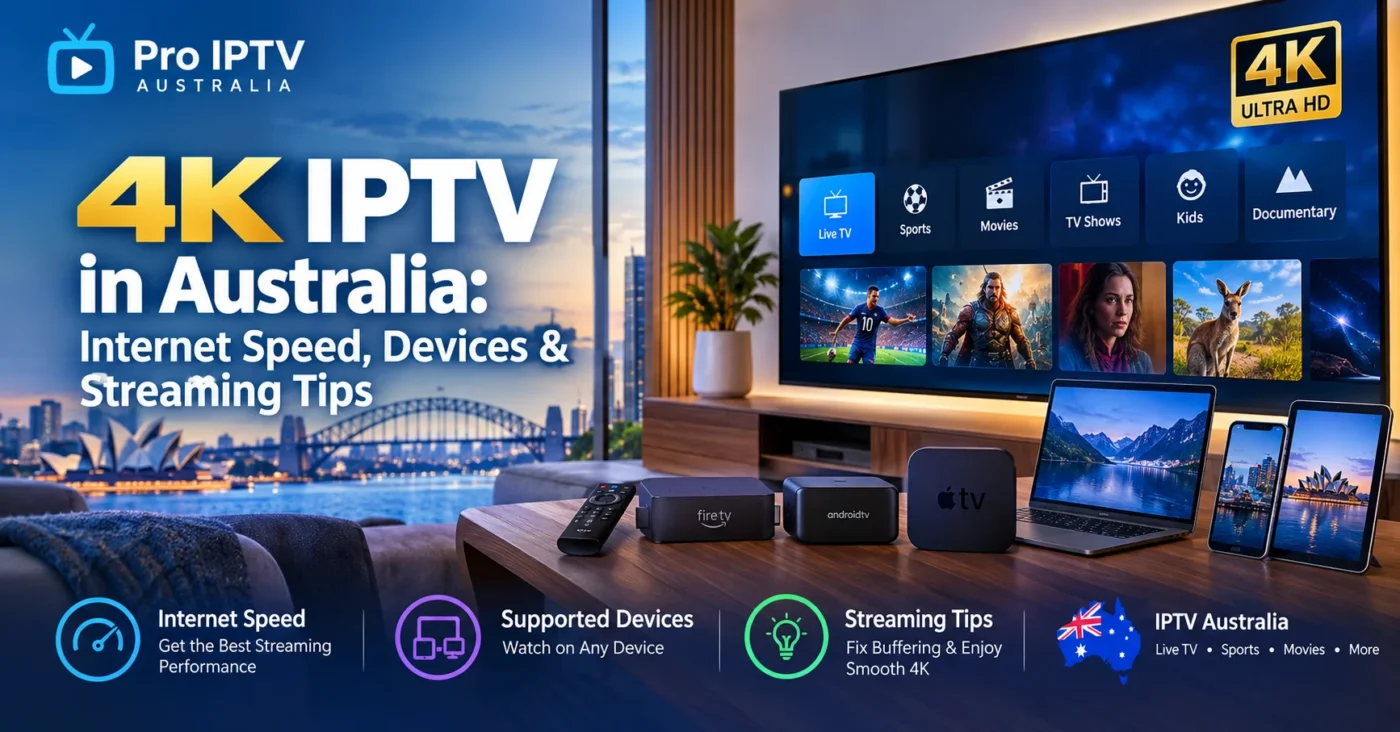
4K IPTV in Australia: Internet Speed, Devices & Streaming Tips
4K streaming has changed the way Australians watch live TV, sports, movies, and entertainment at home. With a compatible 4K television, reliable internet connection, and the right streaming device, 4k IPTV Australia services can provide a high-quality viewing experience with sharp picture detail and smooth playback.
But getting the most from 4K IPTV is about more than simply having a 4K TV. Your internet speed, Wi-Fi network, streaming device, app, and IPTV service can all affect picture quality and buffering.
In this guide, we explain what you need for IPTV Australia, which devices can be used, how much internet speed you should have, and practical tips for improving your streaming experience.
What Is 4K IPTV Australia?
IPTV, or Internet Protocol Television, delivers television and video content over an internet connection instead of traditional broadcast, satellite, or cable delivery methods.
4K IPTV refers to IPTV content available in Ultra HD resolution, commonly associated with 3840 × 2160 pixels. That provides significantly more detail than standard 1080p Full HD.
For viewers looking for an IPTV service in Australia, 4K can be particularly useful on larger modern televisions where the additional resolution is easier to notice.
However, having a 4K television does not automatically mean every channel or program will play in 4K. The content itself must be provided in 4K, and your device and internet connection must also be capable of handling the stream.
How Much Internet Speed Do You Need for 4K IPTV Australia?
Internet speed is one of the most important factors when watching high-resolution IPTV.
There isn’t one universal speed requirement for every IPTV provider because video bitrate, compression, frame rate, server performance, and network conditions can vary.
For comparison, Netflix recommends a steady 15 Mbps or higher for 4K Ultra HD streaming, while YouTube lists approximately 20 Mbps for 4K playback.
For an IPTV setup, it is sensible to have additional bandwidth available for other household activities.
Recommended internet speeds
| Streaming Quality | Practical Internet Target |
|---|---|
| SD | 5 Mbps+ |
| HD | 10 Mbps+ |
| Full HD | 15 Mbps+ |
| 4K IPTV | 25–30 Mbps+ |
| Multiple 4K streams | 50 Mbps+ |
These figures are practical targets rather than guarantees. Your actual experience can depend on the IPTV stream, Wi-Fi performance, network congestion, and the number of devices using your connection.
If several people in your home are streaming, gaming, downloading files, or making video calls at the same time, a faster connection can provide more headroom.
Is 100 Mbps Enough for 4K IPTV?
For most homes, a 100 Mbps internet connection provides plenty of bandwidth for a single 4K IPTV stream and other everyday online activities.
The important point is that your device needs to receive a stable connection. A 100 Mbps internet plan won’t necessarily deliver 100 Mbps to your television if the TV is connected through weak Wi-Fi or is located far from the router.
For example, if your smart TV consistently receives a much lower speed than your internet plan provides, you may experience:
- Buffering
- Quality drops
- Longer loading times
- Playback interruptions
- Delayed channel changes
This is why testing the connection directly on your streaming device can be more useful than looking only at the advertised speed of your internet plan.
Best Devices for 4K IPTV Australia
One advantage of modern IPTV is the range of compatible devices available.
Depending on the IPTV provider and application being used, Australian viewers may be able to access IPTV through several types of devices.
1. 4K Smart TVs
Many modern Samsung, LG, Sony, Hisense, and other Smart TVs support high-resolution streaming applications.
If your TV supports the IPTV application you want to use, a separate streaming box may not be necessary.
Before choosing an app, check whether it is compatible with your specific TV operating system and model.
2. Amazon Fire TV Devices
Amazon Fire TV devices are popular for streaming because they can turn a compatible television into a connected entertainment system.
For 4K playback, make sure you have a Fire TV model and television setup that supports 4K. Device manufacturers and streaming services can have specific hardware requirements for Ultra HD playback.
3. Android TV and Google TV
Android TV and Google TV devices can provide another flexible option for Australian IPTV users.
Depending on the device and IPTV application, you may be able to organize live channels, electronic program guides, movies, series, and other content from your IPTV subscription.
4. Apple TV 4K
Apple TV 4K is another option for households using Apple’s ecosystem.
The important thing is to use a 4K-capable Apple TV together with a compatible television and HDMI setup. For example, Netflix requires a compatible 4K TV and appropriate HDMI connection for Ultra HD playback on Apple TV.
5. Android Phones and Tablets
IPTV isn’t limited to televisions.
Depending on the provider and application, IPTV can also be used on compatible Android smartphones and tablets. This can be useful when you want to watch content away from your main TV.
6. iPhone and iPad
Compatible IPTV applications can also make iPhones and iPads useful for mobile streaming.
However, remember that a mobile device may have different resolution and playback limitations compared with a dedicated 4K television.
7. Windows and Mac Computers
Some IPTV services and applications can also be accessed through computers.
For the best experience, keep your operating system, browser, and IPTV application updated and make sure your computer has a reliable internet connection.
Wi-Fi vs Ethernet for 4K IPTV
Your connection method can make a noticeable difference.
Ethernet
If your router is close enough to your television or streaming device, an Ethernet cable can provide a stable wired connection.
This can be particularly useful for 4K IPTV because it removes many of the wireless interference and signal-strength issues associated with Wi-Fi.
Wi-Fi
Wi-Fi is convenient and works well when your router and device are positioned correctly.
For better 4K IPTV streaming, try to:
- Place the router in a central location.
- Avoid putting the router inside cabinets.
- Keep the streaming device reasonably close to the router.
- Use a modern Wi-Fi standard where supported.
- Reduce unnecessary devices using bandwidth during streaming.
- Consider a mesh Wi-Fi system for larger homes.
Netflix also recommends wired or Wi-Fi connections and notes that unstable or slower connections can cause playback to drop to lower quality.
7 Tips for Smoother 4K IPTV Australia Streaming
1. Test Your Internet Speed
Before blaming your IPTV application for buffering, test the connection on the device experiencing the problem.
A speed test can help determine whether your TV or streaming box is receiving a suitable connection.
Remember that the speed reaching your device can be different from the speed advertised by your internet provider.
2. Use Ethernet When Possible
If you’re experiencing frequent buffering on Wi-Fi and your router is nearby, try connecting your IPTV device directly to the router with Ethernet.
A wired connection can provide greater consistency.
3. Restart Your Router and Streaming Device
Simple network problems can sometimes be resolved by restarting your router and streaming device.
If playback suddenly becomes slow, restarting both devices can be a useful first troubleshooting step.
4. Keep Your IPTV App Updated
Using an outdated application can cause compatibility or playback problems.
Check for available updates for your IPTV player, Smart TV, Fire TV device, Android TV device, or Apple TV.
Also keep your device firmware and operating system updated.
5. Reduce Network Congestion
If several devices are using your internet connection simultaneously, your available bandwidth can be reduced.
For example, another person might be:
- Streaming a 4K movie
- Downloading a large game
- Uploading files
- Using cloud backups
- Participating in a video call
If buffering happens mainly during busy periods, network congestion may be contributing to the problem.
6. Check Your HDMI Setup
Your television may support 4K, but your complete connection needs to support the desired resolution.
Check your TV, streaming device, HDMI connection, and display settings.
Streaming services such as Netflix note that all devices in the playback chain need to support the desired quality for 4K or HDR playback.
7. Choose the Correct Video Quality
If your connection cannot maintain a high-resolution stream, temporarily switching to HD can help identify whether bandwidth or network stability is the issue.
Once the connection is stable, you can test 4K again.
Does 4K IPTV Australia Use More Internet Data?
Yes. Higher-resolution video generally requires more data than lower-resolution video.
For example, Netflix estimates that Ultra HD can use up to 7 GB per hour per device under its high-quality setting.
Actual IPTV data usage can vary significantly depending on the stream’s bitrate, compression, frame rate, and provider.
If your Australian internet plan has a data allowance, keep your household’s total streaming usage in mind.
How to Choose an IPTV Service in Australia for 4K Streaming
If you’re comparing an IPTV subscription Australia users can access, don’t focus only on the advertised channel count.
Consider several factors:
4K Availability
Check whether the channels or content you want are actually available in 4K. A service may advertise 4K compatibility while much of its content is provided in HD.
Device Compatibility
Make sure the service supports your preferred device, such as a Smart TV, Fire TV, Android TV, Apple TV, smartphone, tablet, or computer.
Streaming Stability
A large channel list doesn’t help if streams constantly buffer or disconnect. Look for clear information about compatibility, connection requirements, and customer support.
App Compatibility
Check which IPTV players or applications are supported by the provider.
Popular IPTV players may offer features such as electronic program guides, favourites, playlists, and multiple content categories.
Customer Support
Reliable support can be useful when setting up an IPTV subscription, changing devices, or troubleshooting playback problems.
4K IPTV Australia: Quick Setup Checklist
Before starting your 4K IPTV Australia setup, check the following:
- ✔ 4K-compatible television
- ✔ Compatible IPTV streaming device or Smart TV
- ✔ Reliable internet connection
- ✔ Around 25–30 Mbps or more available for 4K streaming
- ✔ Ethernet or strong Wi-Fi
- ✔ Updated IPTV application
- ✔ Updated TV/device software
- ✔ Compatible HDMI connection
- ✔ IPTV service that actually provides 4K content
- ✔ Sufficient internet data allowance if your plan has a limit
Final Thoughts About 4K IPTV Australia
A good 4K IPTV Australia setup requires more than a 4K television. Your internet connection, streaming device, Wi-Fi network, IPTV application, and the quality of the source stream all work together to determine the final viewing experience.
For most households, having 25–30 Mbps or more of stable bandwidth available for the 4K stream provides useful headroom beyond the minimum requirements published by major streaming platforms. If multiple people are using the connection simultaneously, a faster internet plan can provide additional capacity.
If you’re looking for an IPTV service in Australia, check device compatibility, available video quality, streaming requirements, customer support, and subscription terms before getting started.
Explore Pro IPTV Australia to learn more about IPTV options, compatible devices, subscription plans, and getting started with IPTV streaming in Australia.
Frequently Asked Questions
What internet speed is recommended for 4K IPTV Australia?
A practical target is around 25–30 Mbps or more of stable available bandwidth for a 4K stream. Major streaming platforms publish lower minimum recommendations, but additional bandwidth can help provide headroom for network fluctuations and other household activity.
Can I use 4K IPTV on a Smart TV?
Yes, if your Smart TV supports the IPTV application and the TV hardware supports the desired resolution. Always check compatibility with your specific TV model.
Is Ethernet better than Wi-Fi for IPTV?
Ethernet can provide a more consistent connection because it avoids many wireless interference and signal-strength issues. However, a strong modern Wi-Fi connection can also work well.
Can I watch IPTV on Fire TV?
Compatible IPTV applications can be used on supported Fire TV devices. For 4K playback, your Fire TV device, television, HDMI connection, and streaming service all need to support the required quality.
Does every IPTV channel support 4K?
No. 4K capability depends on the content source and IPTV provider. Having a 4K TV does not automatically convert HD channels into native 4K.
Why does my IPTV buffer even though I have fast internet?
Buffering can be caused by several factors, including weak Wi-Fi, network congestion, device limitations, outdated software, or issues with the stream source. Test the connection on the affected device and try Ethernet if possible.
How much data does 4K streaming use?
Data usage varies by provider and video bitrate. As a reference, Netflix states that Ultra HD can use up to 7 GB per hour under its high-quality setting.