
How to Test and Optimize Your Internet for IPTV in Australia
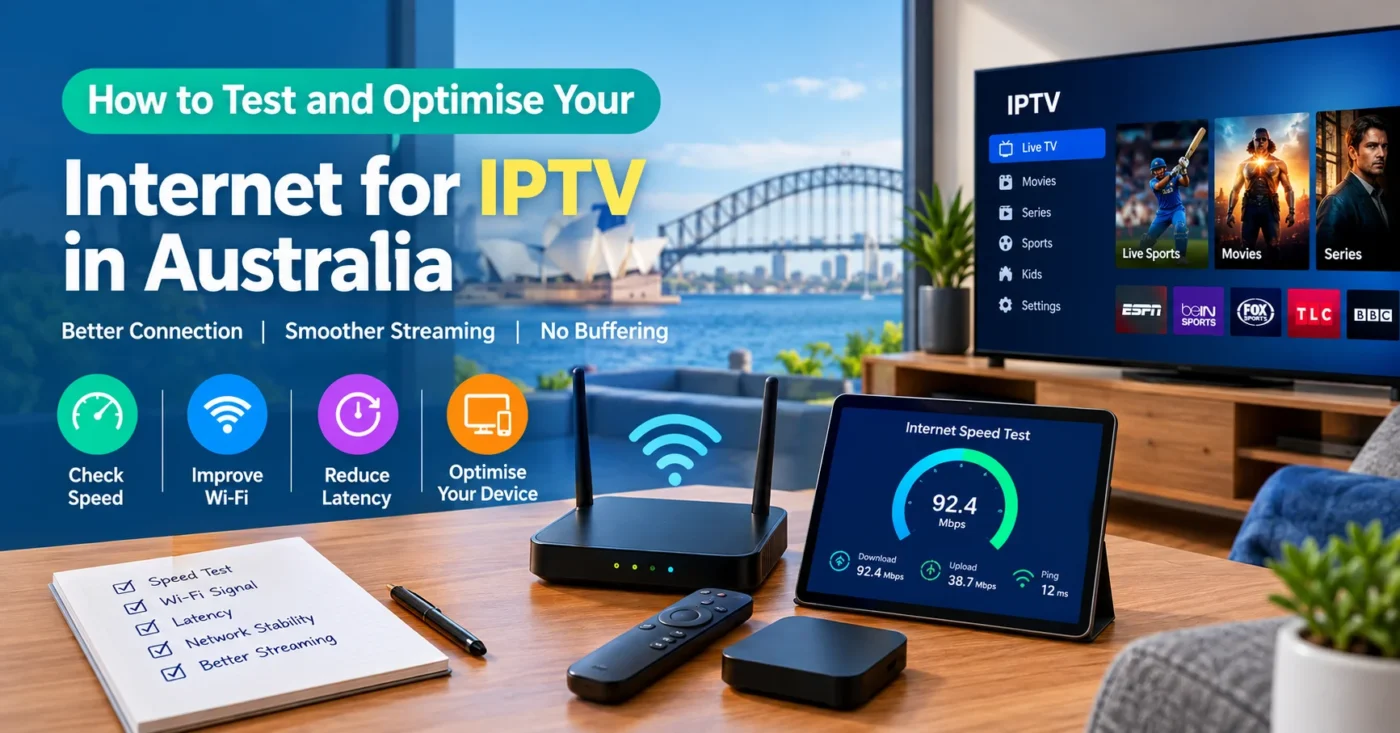
How to Test and Optimise Your Internet for IPTV in Australia
A reliable internet connection is one of the most important factors affecting IPTV streaming. Even when your IPTV service and streaming device are working correctly, a slow or unstable connection can lead to buffering, poor video quality, freezing, or interruptions. If you are using IPTV in Australia, testing your connection before troubleshooting the IPTV service itself can help identify where the problem is coming from. This guide explains how to test internet for IPTV Australia, what connection factors to check, how Wi-Fi compares with Ethernet, and what you can do to improve streaming performance.
A reliable internet connection is one of the most important factors for a smooth IPTV Australia streaming experience.
What Internet Connection Does IPTV Need?
IPTV, or Internet Protocol Television, delivers television content through an internet connection rather than a traditional broadcast or cable connection. The quality of your viewing experience therefore depends partly on how consistently your internet connection can deliver the required data.
The connection speed you need depends on factors such as video resolution, stream compression, the IPTV player you use, and whether other people or devices are using the network at the same time.
As a general practical guide, a connection should have enough capacity for the quality you want to watch without becoming saturated by other activity:
- Standard definition: Usually requires relatively little bandwidth compared with HD or 4K streaming.
- HD: Needs more consistent bandwidth and network stability than standard-definition streaming.
- Full HD: Benefits from additional bandwidth, particularly when other devices are active.
- 4K: Requires substantially more bandwidth and a stable connection to maintain high-quality playback.
There is no single internet-speed figure that guarantees perfect IPTV performance. A fast connection can still experience problems if it has high latency, packet loss, weak Wi-Fi coverage, congestion, or an unstable connection.
How to Test Your Internet Connection for IPTV Australia
Before changing settings on your Smart TV, Fire TV device, Android TV box, computer, or IPTV player, test the internet connection for IPTV Australia. Testing from the same device you use for IPTV can provide more useful information than testing from a different device elsewhere in the home.
1. Check Your Download Speed
Start by running an internet speed test on the device connected to your IPTV service. Record the download speed shown by the test.
Do not rely only on the speed advertised by your internet provider. The speed available to your IPTV device can be lower because of Wi-Fi conditions, distance from the router, network traffic, or limitations of the device itself.
If your IPTV device is connected over Wi-Fi, perform the test in the same location where you normally watch TV. This gives you a more realistic indication of the connection available during streaming.
2. Check Upload Speed
Upload speed is generally less important for watching IPTV because streaming television primarily involves downloading data. However, upload performance can still be useful when diagnosing broader network problems.
If several devices are uploading files, making cloud backups, conducting video calls, or using other bandwidth-intensive services, the overall network can become congested and affect streaming performance.
3. Look at Latency
Latency measures how long data takes to travel between your device and a destination. It is normally measured in milliseconds (ms).
For IPTV, consistent latency is more useful than simply having a high download speed. A connection with adequate speed but significant instability can still produce interruptions.
When testing your connection, pay attention to unusually high or fluctuating latency. If the results change substantially between tests, the issue may involve your local network, Wi-Fi, router, or internet connection rather than the IPTV player.
4. Check for Connection Stability
Run more than one speed test instead of relying on a single result. You can test at different times, especially during the periods when you normally watch live TV or sports.
For example, if IPTV works well in the morning but buffers regularly in the evening, network congestion may be worth investigating. Your home network may also have more devices active at those times.
Wi-Fi vs Ethernet for IPTV Streaming
The way your IPTV device connects to the internet can have a noticeable effect on streaming stability.
| Connection | Advantages | Things to Consider |
|---|---|---|
| Ethernet | Consistent connection and less affected by wireless interference | Requires a suitable network cable and a nearby network connection |
| 5 GHz Wi-Fi | Can provide good performance at shorter distances | Signal strength can decrease through walls and over distance |
| 2.4 GHz Wi-Fi | Often provides better range through obstacles | Can be more susceptible to interference and congestion |
If your IPTV device is close enough to your router, Ethernet is often a practical choice for stable IPTV streaming. Many of the factors related to wireless networking are eliminated with a wired connection.
If Ethernet is not practical, use a strong Wi-Fi signal and position the router where it can provide good coverage to the room containing your IPTV device.
How to Improve Wi-Fi for IPTV in Australia
If your IPTV device uses Wi-Fi, several simple changes can improve network reliability without immediately changing your internet plan.
Move the Router to a Better Location
Avoid placing your router inside cabinets, behind large objects, or in locations surrounded by dense materials. Positioning the router in a more open and central location can improve wireless coverage throughout the home.
Reduce the Distance Between Your Device and Router
The further a device is from the router, the weaker the wireless signal can become. Walls, floors, furniture, and other obstacles can also reduce signal quality.
If your Smart TV or streaming device is in a room far from the router, consider whether an Ethernet connection, mesh Wi-Fi system, or another suitable home-network solution would provide a more stable connection.
Reduce Wireless Interference
Nearby wireless networks and electronic devices can contribute to interference. If your router supports different wireless channels or bands, selecting an appropriate configuration can help in congested environments.
Modern routers may also support automatic channel selection and dual-band or tri-band networking. Use the settings supported by your router and devices rather than changing advanced options without understanding their purpose.
Disconnect Unnecessary Devices
Every active device shares the capacity of your home network. Phones, tablets, computers, game consoles, security cameras, cloud backups, downloads, and other streaming services can all contribute to network traffic.
If IPTV is buffering, check whether another device is downloading a large file, synchronising cloud data, or streaming high-resolution video at the same time.
Why IPTV Can Buffer Even With Fast Internet
One of the most common misconceptions about IPTV troubleshooting is that a high internet speed automatically means there can never be buffering. In reality, streaming performance depends on several parts of the connection.
Possible causes include:
- Weak or unstable Wi-Fi.
- Network congestion in your home.
- Router performance or configuration problems.
- High latency or packet loss.
- Temporary internet service issues.
- Problems affecting the streaming source or service.
- An overloaded or poorly performing IPTV application.
- Device limitations or insufficient available resources.
This is why troubleshooting should be systematic. If other streaming services also experience interruptions on the same device, investigate your internet connection and home network first. If normal internet activity works correctly but one particular IPTV stream has problems, the issue may be elsewhere.
How to Optimise Your IPTV Device
Your internet connection is only one part of the streaming setup. The device running your IPTV player also needs to operate correctly.
Restart the Device and Router
A simple restart can resolve temporary network or application issues. Turn off the IPTV device and restart your router according to the manufacturer’s instructions. Once the internet connection is restored, test the IPTV stream again.
Keep the IPTV App Updated
If your IPTV player has an available update, keeping it current can help avoid problems caused by outdated software. Only install applications and updates from legitimate sources.
Check Available Device Storage
Devices with very limited available storage or other performance problems may not behave reliably. Remove unnecessary applications or files where appropriate and ensure the device is operating normally.
Use the Appropriate Video Quality
If your connection is struggling with a high-resolution stream, temporarily testing a lower video quality can help determine whether bandwidth or network stability is contributing to the problem.
For example, if a lower-resolution stream plays consistently while a higher-resolution stream repeatedly buffers, your available bandwidth or network conditions may be a contributing factor.
How to Test Internet for IPTV Australia During Peak Usage Times
Testing your connection only when nobody else is using the internet may not provide a complete picture of your normal IPTV experience.
Try testing during the time you usually watch television. If your household frequently uses multiple devices in the evening, test while those devices are operating normally.
This can reveal whether the problem is caused by insufficient available bandwidth inside your home rather than the maximum speed of your internet plan.
For Australian households with multiple users, the total demand on the connection can increase significantly when several people are simultaneously streaming, gaming, downloading, or using video conferencing services.
What to Check Before Choosing an IPTV Service
Testing your internet connection is also useful before subscribing to an Australian IPTV service. A reliable internet connection helps, but you should evaluate the service itself separately.
Before subscribing, check:
- Whether the service is compatible with your preferred device.
- Which IPTV player or setup method is supported.
- What channels and content are actually included in the plan.
- Whether the service provides clear subscription terms.
- What customer support options are available.
- Whether trial or refund terms are clearly explained.
- Whether you are legally entitled to access the content offered.
IPTV is a technique that uses internet networks to provide television. The technology itself is not the same thing as the licensing status of particular content or services. Choose services and content that you are legally entitled to access.
If you are comparing available options, you can review the IPTV plans and pricing on Pro IPTV Australia and check the service information before making a decision.
When Should You Upgrade Your Internet Plan?
An internet upgrade may be worth considering if your connection regularly becomes insufficient when multiple people use it at the same time.
However, upgrading is not always the correct solution. If your speed test shows strong performance but IPTV still buffers, investigate other factors first.
Consider upgrading or reviewing your connection when:
- Multiple household members regularly stream simultaneously.
- High-resolution streaming consistently consumes available bandwidth.
- Speed tests show significantly lower performance than expected.
- Your connection becomes unreliable during normal household use.
- Large downloads or uploads regularly interfere with streaming.
If your internet connection is already fast and stable, changing plans may have little effect if the underlying problem is Wi-Fi coverage, device performance, router configuration, or the streaming service itself.
Quick IPTV Internet Troubleshooting Checklist
When IPTV buffering or freezing occurs, work through these checks in order:
- Run an internet speed test on the IPTV device.
- Check whether the Wi-Fi signal is strong and stable.
- Test the device using Ethernet if possible.
- Restart your router and IPTV device.
- Check whether other household devices are using significant bandwidth.
- Test the IPTV service at another time of day.
- Check that your IPTV application is up to date.
- Test a lower video resolution to identify possible bandwidth limitations.
- Try another legitimate stream or service feature if available.
- Contact the service provider if your internet connection is stable but the specific service continues to have problems.
This process helps separate home-network problems from device, application, or service-related issues. If your connection is stable but buffering continues across different devices, the issue may be worth discussing with your IPTV Service Australia provider.
Frequently Asked Questions
What internet speed is recommended for IPTV in Australia?
The required speed depends on the stream quality, device, network conditions, and other internet activity in your household. HD and 4K streams generally require more bandwidth than standard-definition video. A stable connection is just as important as raw download speed.
Can IPTV work over Wi-Fi?
Yes. IPTV can work over Wi-Fi when the wireless connection provides sufficient speed and stability. For demanding streams or devices located close to a router, Ethernet can be a useful alternative because it avoids many wireless signal issues.
Why does IPTV keep buffering even though my internet is fast?
Fast internet does not eliminate buffering. Weak Wi-Fi, network congestion, latency, packet loss, device performance, application issues, or problems with the streaming source can all contribute to buffering.
Is Ethernet better than Wi-Fi for IPTV?
Ethernet can provide a more consistent connection because it is not affected by wireless interference or signal strength in the same way as Wi-Fi. If your IPTV device can conveniently connect to your router by cable, it is worth testing.
Should I restart my router when IPTV buffers?
Restarting the router can resolve temporary connection problems, so it is a reasonable troubleshooting step. After restarting, allow the internet connection to return fully before testing IPTV again.
Does 4K IPTV need faster internet?
Generally speaking, higher-resolution video uses more bandwidth than lower-resolution video. If you are streaming 4K content, your connection should have enough capacity and stability to handle the higher data demand, particularly when other devices are using the network.
How can I tell if Wi-Fi is causing IPTV buffering?
Run a speed test on the IPTV device and compare the results with a device connected by Ethernet, if possible. You can also move the IPTV device closer to the router and test again. A significant improvement can indicate that Wi-Fi conditions are contributing to the problem.
Should I test my internet before subscribing to IPTV Australia?
Yes. Testing your internet connection before subscribing can help ensure your home network is suitable for the type of streaming you expect. You should also verify device compatibility, service terms, content availability, and the legality of the content you intend to access.
Final Thoughts
A good IPTV experience starts with a stable home network. When you test internet for IPTV Australia, look beyond download speed and consider Wi-Fi signal strength, latency, network congestion, device performance, and connection stability.
For the most reliable setup, test the connection on the actual IPTV device, compare Wi-Fi with Ethernet where possible, and repeat tests during normal household usage. If the connection performs well but IPTV continues to experience problems, investigate the device, IPTV player, or service rather than automatically upgrading your internet plan.
If you are ready to explore an IPTV service for Australian viewing, visit the Pro IPTV Australia homepage to learn more about the service and available options.
For questions about the service or compatibility, you can also contact Pro IPTV Australia before choosing a plan.